
ARTICLE 04 · 12 MIN READ · ·
Employee Time Tracking Software: Attendance, Leave, and Reporting
Managing employee working hours should be simple. An employee starts work, finishes work, and the organization records the time in between. In reality, the moment a team grows beyond a handful of people, that simplicity disappears.
Employees forget to clock out. Attendance records need corrections. Managers need to approve leave requests without losing track of the conversation. Different employees work different shifts. Teams are split across projects. HR needs accurate monthly reports, and managers need quick answers — not another spreadsheet to download and open.
This guide walks through what employee time tracking software actually needs to cover, what to evaluate before choosing one, and what questions to ask vendors. The concrete examples throughout are drawn from iClock, the workforce-management product built by Seawolf — this isn't an independent survey of the market, but the underlying questions apply regardless of which system you're evaluating.
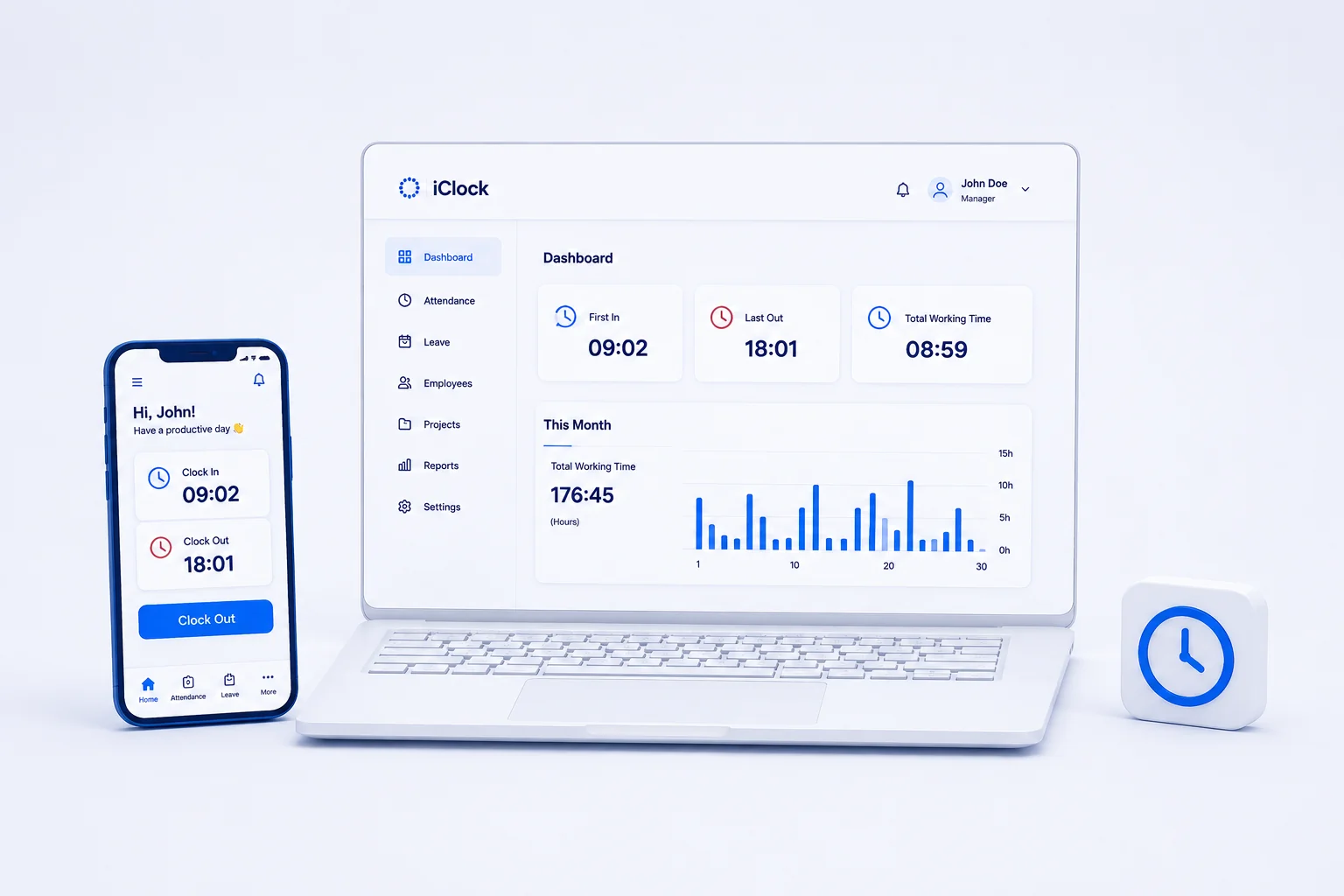
What Employee Time Tracking Software Actually Tracks
"Time tracking" gets used loosely, and it's worth separating what's actually being measured before evaluating any tool:
- Attendance (clock-in / clock-out) — when an employee started and ended their working day. This is the core of most employee time tracking software, including iClock.
- Time spent on a task or project — how long someone worked on a specific piece of work, usually via a running timer. This is a different capability from attendance tracking, and not every attendance system includes it.
- Leave and shifts — when an employee is scheduled to work or authorized to be away, and under what rules.
- Payroll calculation — converting recorded hours into pay, including overtime rules, deductions, and tax handling. This is a distinct function from attendance tracking, typically handled by dedicated payroll software or an integration between systems.
Having projects and project-based reporting in a system doesn't, by itself, mean it includes a task timer, billable-hours tracking, or payroll processing — those are separate capabilities that some tools bundle and others don't. Confirm which of these a specific product actually does before assuming it covers all of them.
Features to Evaluate
The table below lists the areas worth checking in any employee time tracking software, and what to actually verify rather than take on faith.
| Feature | Why it matters | What to verify |
|---|---|---|
| Clock-in and clock-out | This is the raw data everything else is built on. | Is it a one-tap action in the system, or does it require a separate device? Is there a mobile option? |
| Attendance corrections | Employees will forget to clock out or in — the question is how that gets fixed. | Who is allowed to edit a record? Is there a time window on edits? Are changes recorded, or does an edit silently overwrite the original? |
| Leave requests and balance history | A leave balance number alone doesn't explain how it got there. | Can employees see what changed their balance and when? Can managers comment on or adjust a request? |
| Shift rules | Expected hours vary by shift; a flat rule doesn't fit every team. | Can different shifts have different expected hours? How are exceptions to a shift handled? |
| Employee and manager access | Determines who can see and change what. | What can an employee see about their own record versus a manager's view? Can access be scoped per team or project? |
| Reporting and exports | Someone eventually needs the data outside the tool — for payroll, audits, or analysis. | What export formats are supported? What time range does a given report cover, and can that range be customized? |
| Time-zone handling | Distributed teams need attendance recorded in a way that doesn't require manual offset math. | Is each employee's time recorded in their own local time zone? How does the system handle daylight saving changes? |
A Practical Attendance and Leave Workflow
Here's a hypothetical scenario to make this concrete. An employee forgets to clock out at the end of their shift. The next day, their attendance record shows them still "clocked in" from the previous day — a session spanning more than 24 hours.
A useful system should make that kind of record easy to notice rather than something a manager has to find by scanning every row. In iClock specifically, unusually long attendance sessions are visually distinguished in the interface, which is intended to make this kind of error easier to spot. Depending on the organization's configured editing rules and time window, the employee (or a manager, if the employee's own edit window has closed) can then correct the record to reflect the actual clock-out time. Once corrected, the day's and month's working-hour totals and any reports covering that period reflect the fixed value.
This is a separate flow from leave: leave requests and their balance history exist as their own record, distinct from attendance corrections.
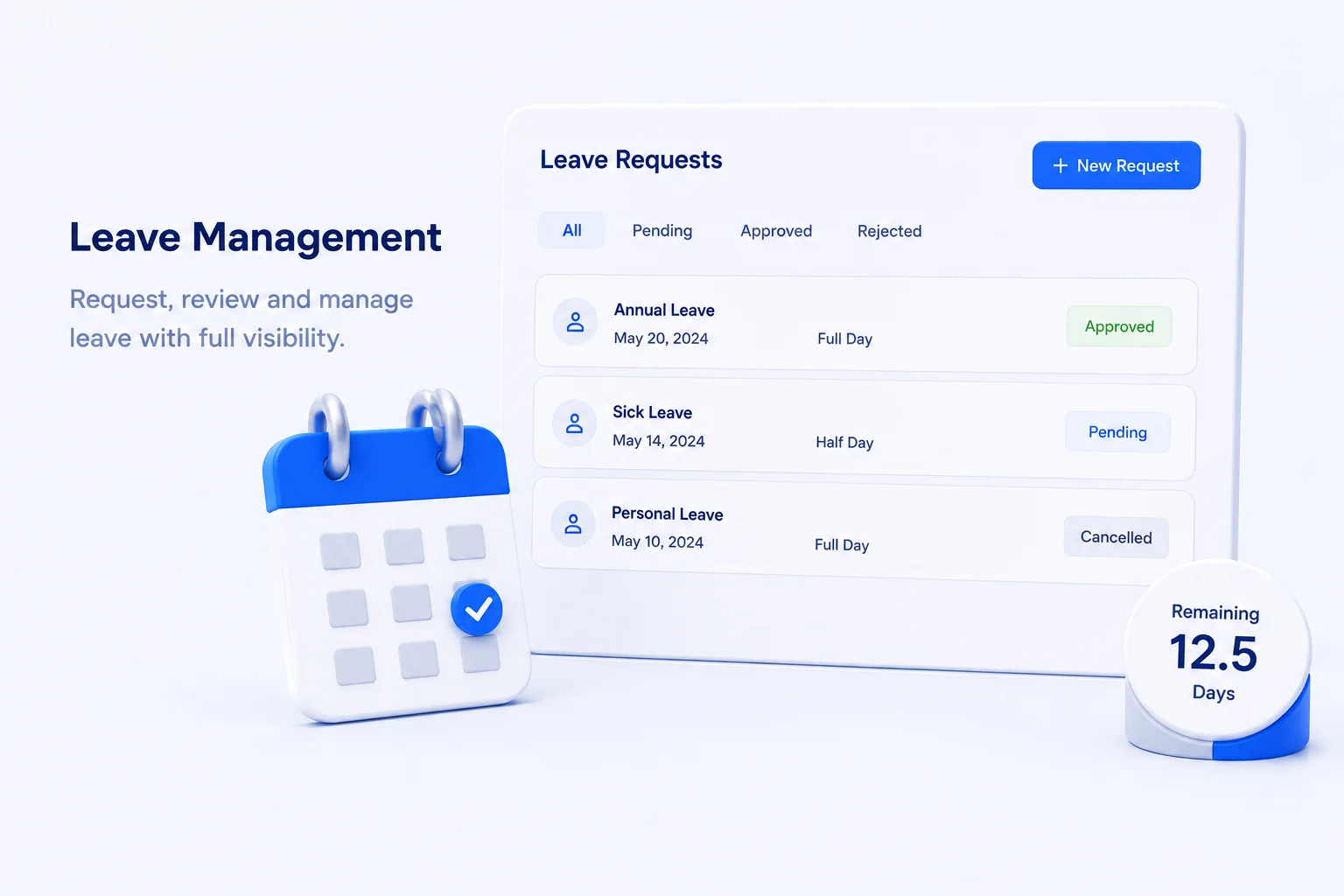
For leave specifically, the general shape of the flow is: an employee submits an hourly or full-day leave request, a manager reviews it and can leave a comment, and the outcome (approved, declined, or later edited) becomes part of that employee's leave balance history — alongside past usage and any manual adjustments a manager has made. That history is what lets an employee or manager see why a balance is what it is, rather than just the current number.
How to Track Employee Time and Attendance: Step by Step
If you are starting from spreadsheets or paper sign-in sheets, the shortest reliable path to tracking employee time and attendance looks like this:
- Define the rules first. Decide what counts as a working day, which shifts exist, how late arrivals and early departures are treated, and how long an employee may edit their own clock-in or clock-out record. These rules drive everything a time tracking system calculates.
- Pick one clock-in method per team. Mobile clock-in, a shared tablet at the entrance, or a desktop button each work, but mixing several for the same team creates gaps and duplicate records. Choose the one that fits where people actually start their day.
- Record every clock-in and clock-out as an event, not a daily total. Events can be corrected, audited, and later grouped into daily and monthly hours. A single typed total per day cannot be checked.
- Set up leave as a separate flow. Leave requests, approvals, and balance history should live beside attendance, not inside it, so that an approved day off never looks like an absence in the report.
- Review exceptions weekly, not monthly. Look for sessions longer than a shift, missing clock-outs, and uncorrected gaps while people still remember what happened. Monthly reviews turn small errors into payroll disputes.
- Export only what HR and payroll actually need. Monthly hours per employee, leave taken, and working-time differences cover most payroll needs. Everything else should stay in the system where it can be queried.
Most attendance and time tracking software such as iClock is built around exactly these six steps, which is why the rest of this article focuses on how well a given product supports each of them rather than on feature counts.
Reports and Working-Time Differences
A working-time deficit is the gap between the hours a system expects someone to work — based on their assigned shift and the organization's configured rules — and the hours actually recorded as attendance. It's a calculated difference, not an independent measurement: if attendance is recorded incompletely, or the underlying shift or rule settings don't match how the team actually works, the deficit number will reflect that mismatch rather than reality.
A few situations are worth checking specifically when evaluating this kind of calculation, because they're easy to get wrong: leave that overlaps a shift, night shifts that cross midnight, public holidays, unpaid breaks during a shift, and time-zone or daylight-saving transitions for distributed teams. These are reasonable questions to ask any vendor, including iClock — this article isn't confirming that every one of these cases is handled a specific way, only flagging them as things to verify rather than assume.
For reporting, the general pattern worth expecting is a way to see daily answers without exporting anything (first clock-in, last clock-out, hours for the day and month), plus a way to pull a report for a longer period or a specific employee or project when needed. In iClock, the documented export options are an Excel file for further processing, or a ZIP file delivered by email for larger exports — sent to the person who requested it. Nothing in the available product information indicates file encryption, expiring download links, or a direct payroll-system integration, so don't assume those without confirming them separately.
None of this should be read as a guarantee of correct payroll output or labor-law compliance — those depend on how an organization configures its rules and on requirements that vary by jurisdiction, and no time-tracking tool can substitute for that review. A deficit or hours total is also a record of attendance, not a measurement of productivity or actual output.
Questions to Ask Before Choosing Employee Time Tracking Software
- Who can see and correct attendance and leave data — for their own records, their team, or the whole organization?
- What is the policy for correcting a record: how far back, how many times, and is it logged?
- How does the system handle reporting across employees on different shifts?
- How is data displayed for teams spread across multiple time zones?
- What export format does your organization actually need, and does the system support it?
- What does setup and pricing look like for your team size?
For pricing, setup process, deployment options, or a mobile app, contact Seawolf directly for current details on iClock.
How iClock Supports These Workflows
iClock is Seawolf's own employee time and attendance product, built around the workflow described above: clock-in and clock-out with manual correction when needed, hourly and full-day leave with balance history, shift-based working-time evaluation, and reporting via in-app dashboards, Excel export, or a zipped export delivered by email.
Three roles divide access on the platform. Employees record attendance, review their own hours and leave balance, and submit leave requests. Organization managers manage employees, teams, projects, and shifts, configure company rules, review and comment on leave requests, and run reports. System administrators create organizations and invite managers to join. Each role sees the tools relevant to it, and users join through email invitation.
A few specific terms are worth defining precisely, since marketing language can blur them:
- Automatic attendance registration in iClock means the system timestamps a clock-in or clock-out the moment an employee taps the button in the app — it is not GPS-based, biometric, or triggered without the employee taking an action.
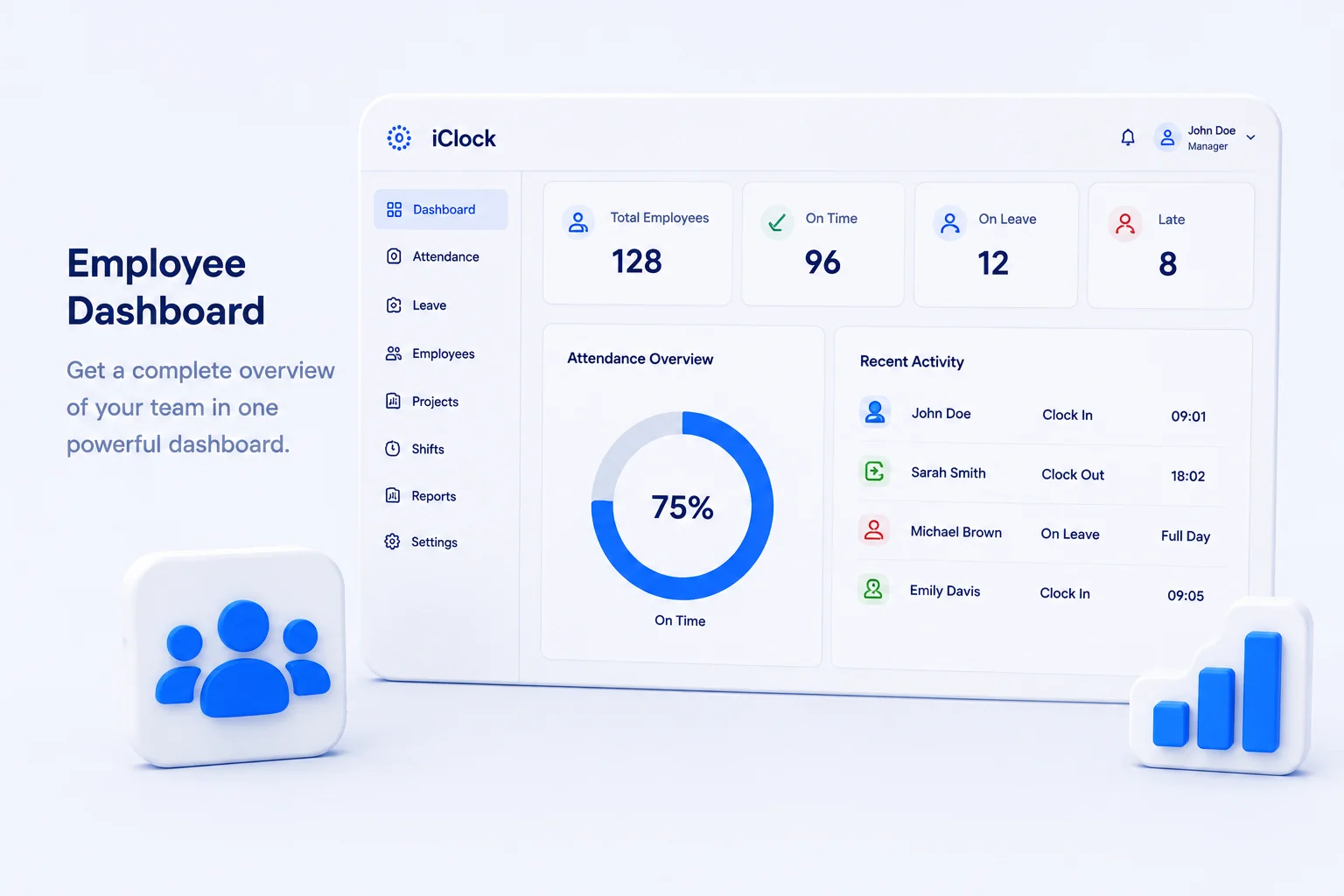
- The colleague status view shows each person's currently recorded status — clocked in, on leave, or off-shift — based on what's been logged in the system. It reflects recorded status, not an independent measure of whether someone is actively working or productive at that moment.
- Off-shift allowance is a configurable setting related to attendance recorded outside an employee's assigned shift hours. If how it interacts with overtime or pay matters for your organization, confirm the specific behavior directly rather than assuming it.
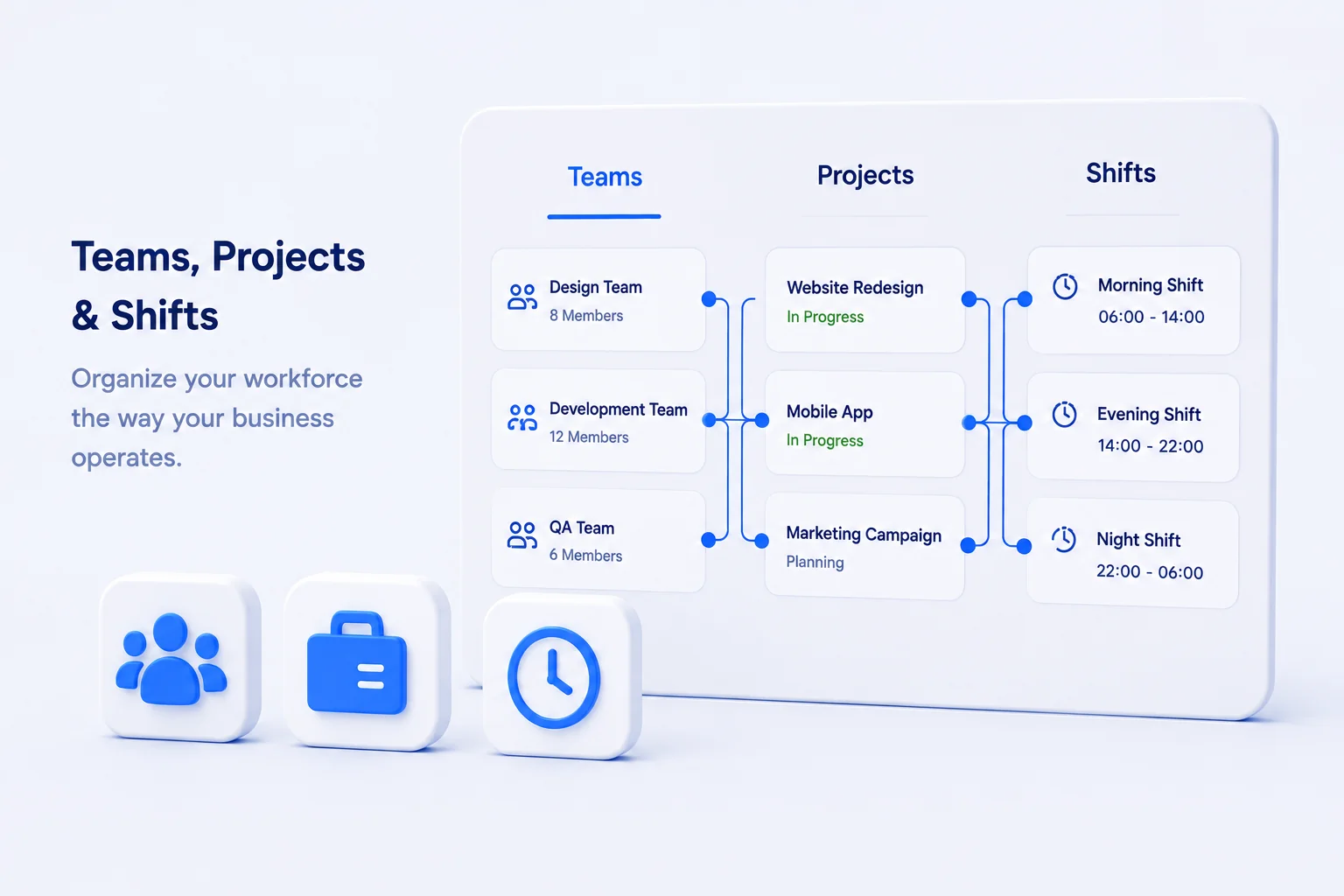
- Employees, teams, projects, and shifts are configurable groupings in iClock, not a fixed chain. An employee can belong to a team, be assigned to a project, and be assigned to a shift — but these are independent relationships rather than a strict sequence, and assigning someone to a project is a way of organizing and reporting on attendance, not a substitute for per-task time tracking.
- Company-level defaults (like leave entitlement or editing windows) can be overridden per employee where the platform exposes that setting — this applies to the configurable rules described here, not to every possible setting in the system.
Ready to see how this works for your team? Explore iClock → or contact Seawolf to ask about a demo.
Frequently Asked Questions
What is employee time tracking software?
Employee time tracking software helps organizations record and manage employee working hours, attendance, clock-ins and clock-outs, leave, and related workforce information. Some tools, like iClock, extend this into leave requests, employee and team management, shifts, company rules, and reporting in one system — but the core function is recording and organizing attendance data.
Can employees manually edit their clock-in or clock-out times?
In most systems worth considering, yes — including iClock, which allows manual attendance entries and corrections when an employee forgets to clock in or out. Organizations typically control how long manual editing remains available and how many corrections are allowed, sometimes configurable per employee. Always confirm whether corrections are logged, and who is authorized to make them.
Does iClock support hourly and full-day leave?
Yes. Employees can request both hourly and full-day leave through iClock, and depending on organizational rules, can edit or cancel requests before they take effect. Managers can review requests, leave comments, and see the leave balance history — including past usage and manual adjustments — not just the current remaining number.
Can managers track employee working hours?
Yes, this is a standard feature of employee time tracking software. In iClock, organization managers can review attendance, daily and monthly working hours, and leave information directly in the platform, without needing to export a spreadsheet for routine questions. For deeper analysis, Excel and zipped email exports are available.
Does iClock support different employee shifts?
Yes. Organizations can create different work shifts and assign employees to them. Shift settings are then used alongside company rules to calculate working-time deficits — the difference between expected and recorded hours — though the accuracy of that calculation depends on shifts and rules being configured to match how the team actually works.
Is iClock suitable for remote and hybrid teams?
iClock records each employee's attendance in their own local time zone and includes a colleague status view showing who is currently clocked in, on leave, or off-shift — useful for distributed teams that can't rely on being in the same room to know who's working. Whether it's the right fit still depends on your specific workflow, which is worth confirming directly.